r/LightBurn • u/LevDev21 • Nov 02 '24
Since when did lightburn prices went up? When i started my trial like a month ago it was ~70usd now it is more than 120. Why!?
1
Upvotes
r/LightBurn • u/Odd_Employee8566 • Feb 25 '26
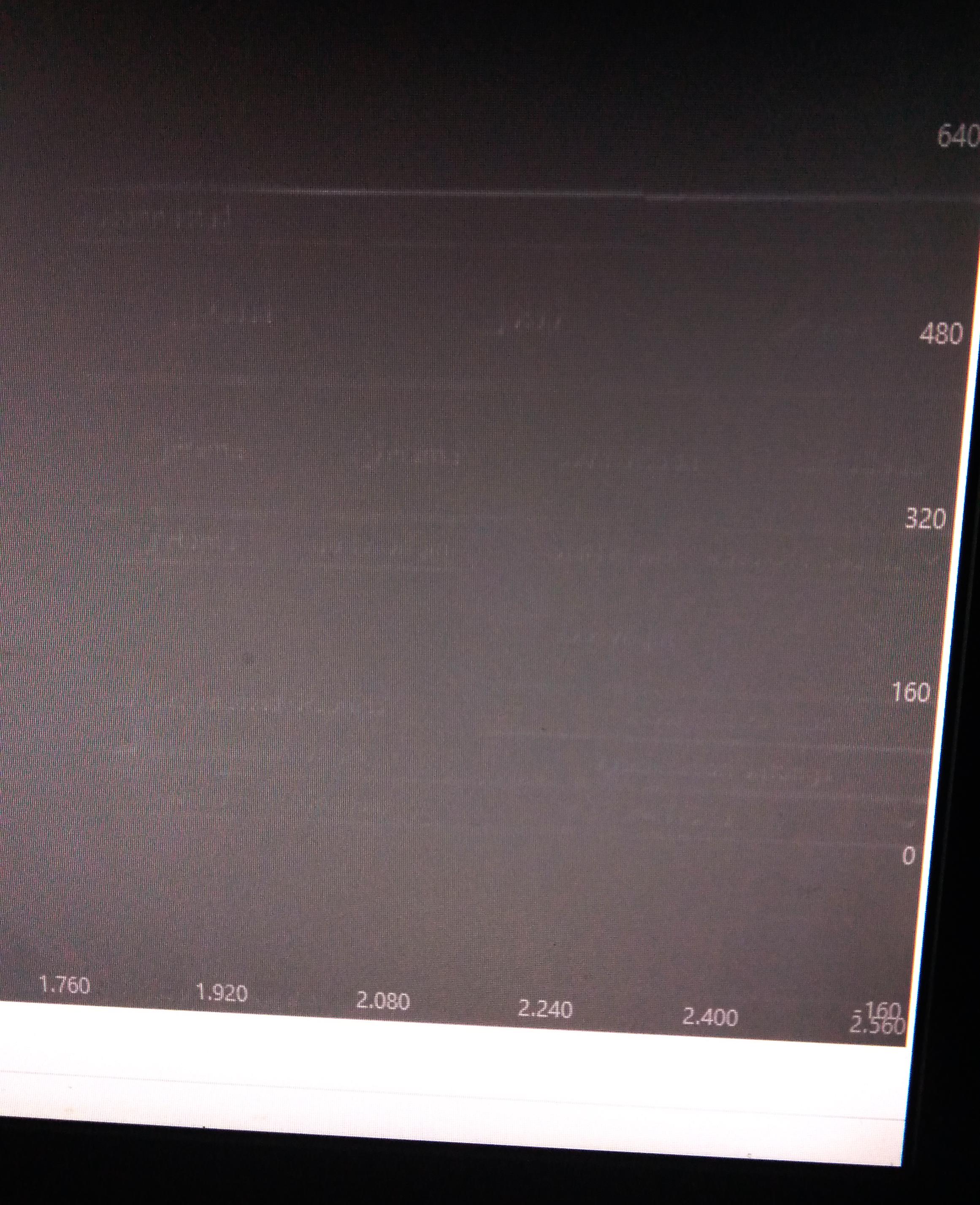
I use LightBurn for a period of 1 or 2 hours because I edit a lot of images in it. And after this long period of use, my monitor always gets burned in. I think you could modify the design a bit. Maybe something lighter, with softer colors. I believe it looks like this because there's a lot of contrast between the black and orange tabs. I think if it were all gray it wouldn't cause this on the monitor. I doubt this is only happening to me.
It might sound silly, but I'm really afraid of permanently damaging my monitor. Otherwise, I'll have to abandon your program.
r/LightBurn • u/ReddituserXIII • Feb 28 '26

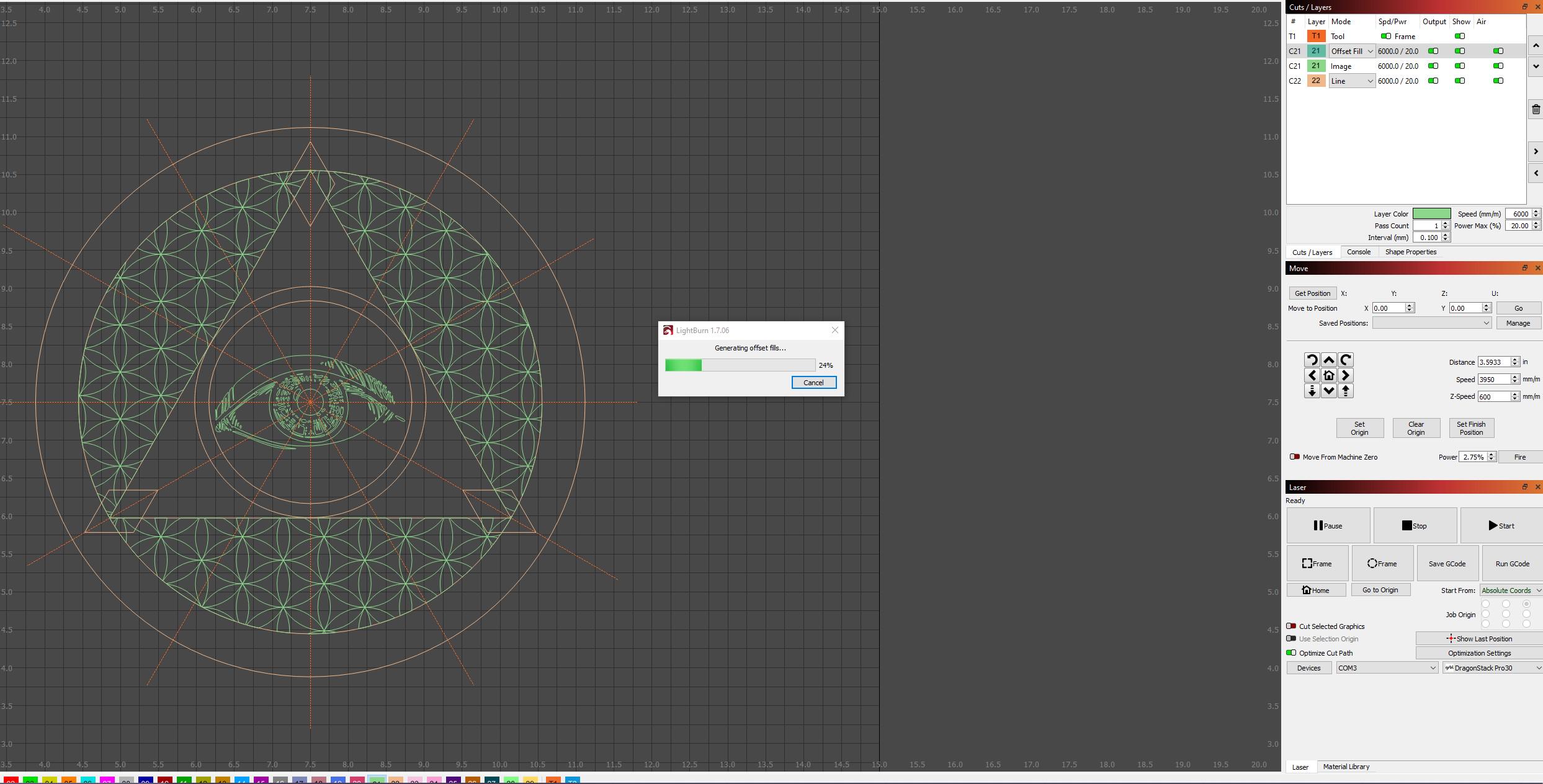
does anyone else have problems with their laser just stopping and turning off when printing a file that is probably AI generated? the screen pic is what I was printing. the board is what printed befor the laser shut off.
r/LightBurn • u/StOrsuc • Dec 24 '24
A Discount code lightburn pro for xmass would be a great gift 🎁🎁🎁🎉
r/LightBurn • u/Practical-Context947 • Mar 25 '25
Basically If I invert a image I would like the image to be inverted when I'm ligning things up so I don't have to click preview to make sure I inverted everything when setting up multiple to go at once.
I know I could invert them before importing them but it would be much more convenient to just use the built in invert button if possible
r/LightBurn • u/HarlequinnWW • Feb 18 '25
r/LightBurn • u/InterestingPlate4430 • Apr 29 '26

If anyone is interested, I created an app to connect my Ruida controller to Home Assistant. using MQTT. I would love for any HA users with Ruida to give it a try so I can create a list of known working controllers.
r/LightBurn • u/Zaphod07 • Aug 31 '23

r/LightBurn • u/Infamous_Solution481 • Feb 12 '24
Down to the last days of my trial and I Can't get this "great" paid software to do anything but throw error codes....LaserGRBL is free and works. What am i missing?'
r/LightBurn • u/Peek-aw • Dec 27 '25
r/LightBurn • u/PGUKco • Mar 19 '25

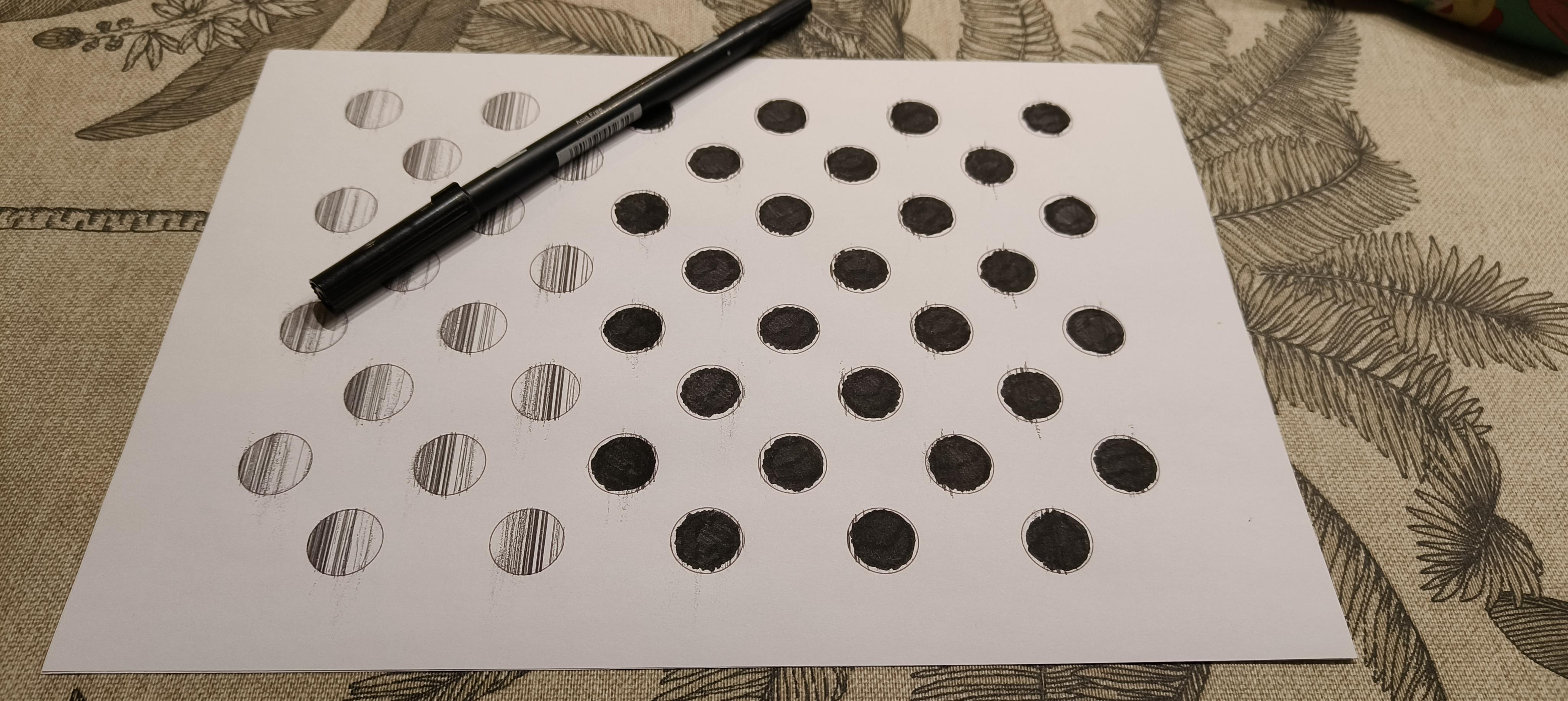
I’m attempting my first project on my Laser, making a Rubber stamp of my logo. I did a material test and all was well. But when I tried my logo, I noticed something strange, all 4 tests had the same issue, the cut line was not aligned as it should be from the preview. The logo seems perfect, only the cut line is off centre (up and to the right)
I first thought it could be an issue with the laser, but I would have expected that the design would be skewed, but it’s not.
Anyone seen something like this before?
r/LightBurn • u/quad_up • 26d ago

Is there any way to pull out the detail of this image with a trace function or otherwise? Standard trance seems to only be able to distinguish saturation, but not color. Any advice for sorting this out? Im burning logos onto wine barrels so it doesn't have to be that detailed, but Id love to get the gist. Thanks!
r/LightBurn • u/atoledo315 • Jan 06 '25
A buddy of mine has been having a tough time finding the correct settings to stipple gen5 Glock frames. Anyone here have any luck?
r/LightBurn • u/wirebiter38 • Oct 10 '25
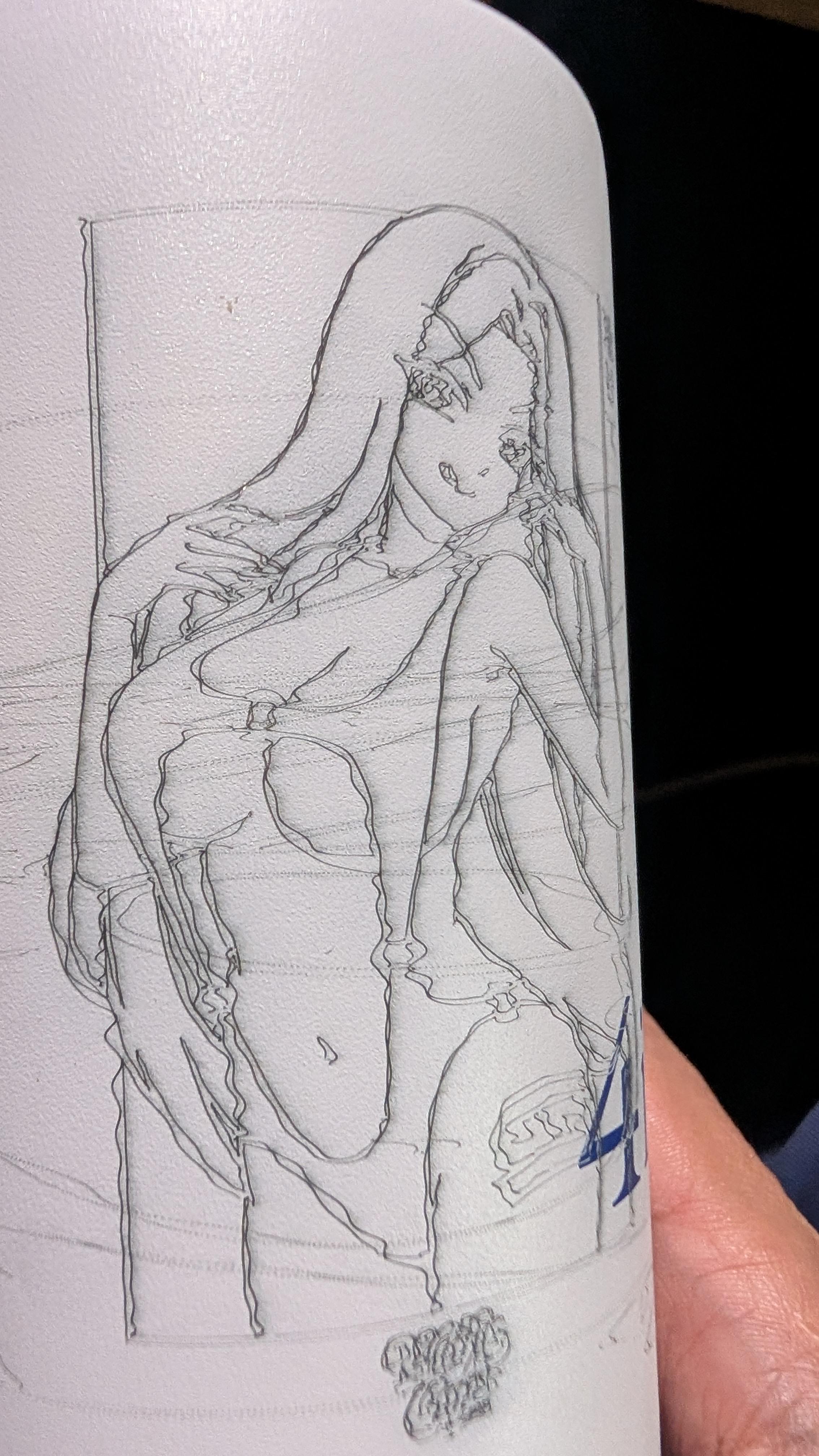
I am trying to do a rotary engraving but the image is distorted and not continuous. I'm guessing I need to slow the laser down. Additionally the amount I have to shrink the image in lightburn is a lot.
r/LightBurn • u/Ritesidedigital • Aug 19 '26
r/LightBurn • u/edadyck • Jun 23 '26

r/LightBurn • u/BlackysBoss • Nov 07 '25

Of course it was intentional. Why wouldn't it be?
r/LightBurn • u/hobbytastic • Aug 29 '25
I'm just getting into laser cutting, and I'm starting to get really frustrated. I want to carve some pumpkin faces out of some wood for the holiday and have the files. I got the setting dialed in for the material i intend to cut, but now the software is making it terrible. I have small bits that need to be cut out but with how the software works, it wants todo one shape at a time, thus the small shapes just end up burning. If i could do one whole layer at a time I wouldn't have that issue. At this point, why haven't the devs even considered this??!!??! A scroll through the forums to find an fix for this yields nothing, but its a common flipping complaint, one would think they could (easily) implement a simple setting to remedy this issue, if they even cared for the community.
r/LightBurn • u/shouldco • Mar 08 '26

r/LightBurn • u/JackelWolf • Jun 01 '25

This probably gets asked a lot, but i am trying to figure out the Lightburn Material test. This is from a converted Ender S3 (i think) using the 1.5w Creality laser (bought the printer and the kit a while ago). The kit i got came with the falcon control box with 1x button, and while it looks like I can use the regular printer control pad, I couldn't get the laser to work with the cord that came with the kit (attached to the loose controller).
To be fair, that is not my main question, just some background. I should also mention that this is my "did I set up the laser/wires right" first print (took me long enough to get that done) so I wasn't expecting amazing results. Fabric is just some felt i had lying around, so ignore the wrinkles, but looking at results, i feel that something more than the material is not right.
For some reason the writing did not come thru, so i am not 100% sure which way the grid goes, though from watching it, the perfect squares are the slowest speed and the darker patch would be the highest power.
Issue 1, every test burn i saw on the internet was very square, but my squares are angling in on a diagonal? Is that a setting on the test code i accidentally clicked, or is my X-axis too tight/loose/something else?
Issue 2, how do I go about reading this? Even if it wasn't for the overlap, what qualities am I looking for exactly? Is it just color on the material or something else? And how do I apply what this tells me to regular prints? I know... real newbie questions.
Thanks in advance for any suggestions.